hardware january
29, 2026
5 min read
The Console Valve
Won't Sell Me

home page of pbox (my console)
For the past two years, I’ve lived a double life: PC gamer by day, Wii U host by night, stuck playing the same three games. Don’t get me wrong, I love a good Mario Kart session, but eventually you want to pick up something new, or play something other than Nintendo.
Then I heard whispers of Valve’s next-gen SteamOS and the “Steam Machine” reveal, I had a revelation: Why wait for Valve to take my money when I could build my own console and lose my mind in the process? I started by defining my requirements:- I wanted something portable for events. Lugging a full-tower PC or a Wii U with multiple parts across town is a great way to develop back problems, but a terrible way to enjoy a party.
- It had to be dead simple to use and quick to jump into games.
- Navigation needed to be obvious. If a guest can’t find the game in under ten seconds, the project has failed. I want something simple without the typical console bloat of news feeds or other game related annoyances.
༺∞༻
Attempt 1: Office Grade Console
I started where all great ideas begin: with free hardware. I had an old office-grade HP EliteDesk gathering dust. I figured, “Hey, it’s a computer, Bazzite is an OS, what could go wrong?” Everything. As it turns out, Bazzite, the “secret sauce” Linux distro designed to make your PC act like a Steam Deck, has a few requirements. One of those is “not having an ancient Intel chip.” It even lists it as:
༺∞༻
Attempt 2: ChimeraOS
Refusing to admit defeat, I pivoted to ChimeraOS, which is essentially the same concept as Bazzite. It actually booted correctly! I felt like a genius for about ten minutes. Then the crashes started. Input was glitchy, and basic “console” features like connecting a Bluetooth controller or shutting the system down were completely absent. I finally accepted the truth: You can’t turn a 10-year-old accounting PC into a PS5.༺∞༻
Attempt 3: Buying a New System
I threw in the towel and went to Amazon. For about $200, I grabbed a Beelink SER5 mini PC. It’s packed with an AMD Ryzen 5 5500U and 12GB of RAM. Admittedly, I didn’t do a whole lot of research on the perfect specs. I was stuck in between: “Do I want 4K Ray Tracing or a price tag that I could actually afford?” I settled for a balance of both, which in the PC world usually means “it’s okay at everything but great at nothing.” However compared to my HP EliteDesk? This thing was a spaceship. Now that I actually had a compatible CPU, I gave Bazzite one last shot. This time, I selected the “Gaming Mode” image. And miracle of miracles, it booted no problem. Not only did it look like a real console, but I could actually turn the system off from within the. No scripts, no terminal required.༺∞༻
Back on Track
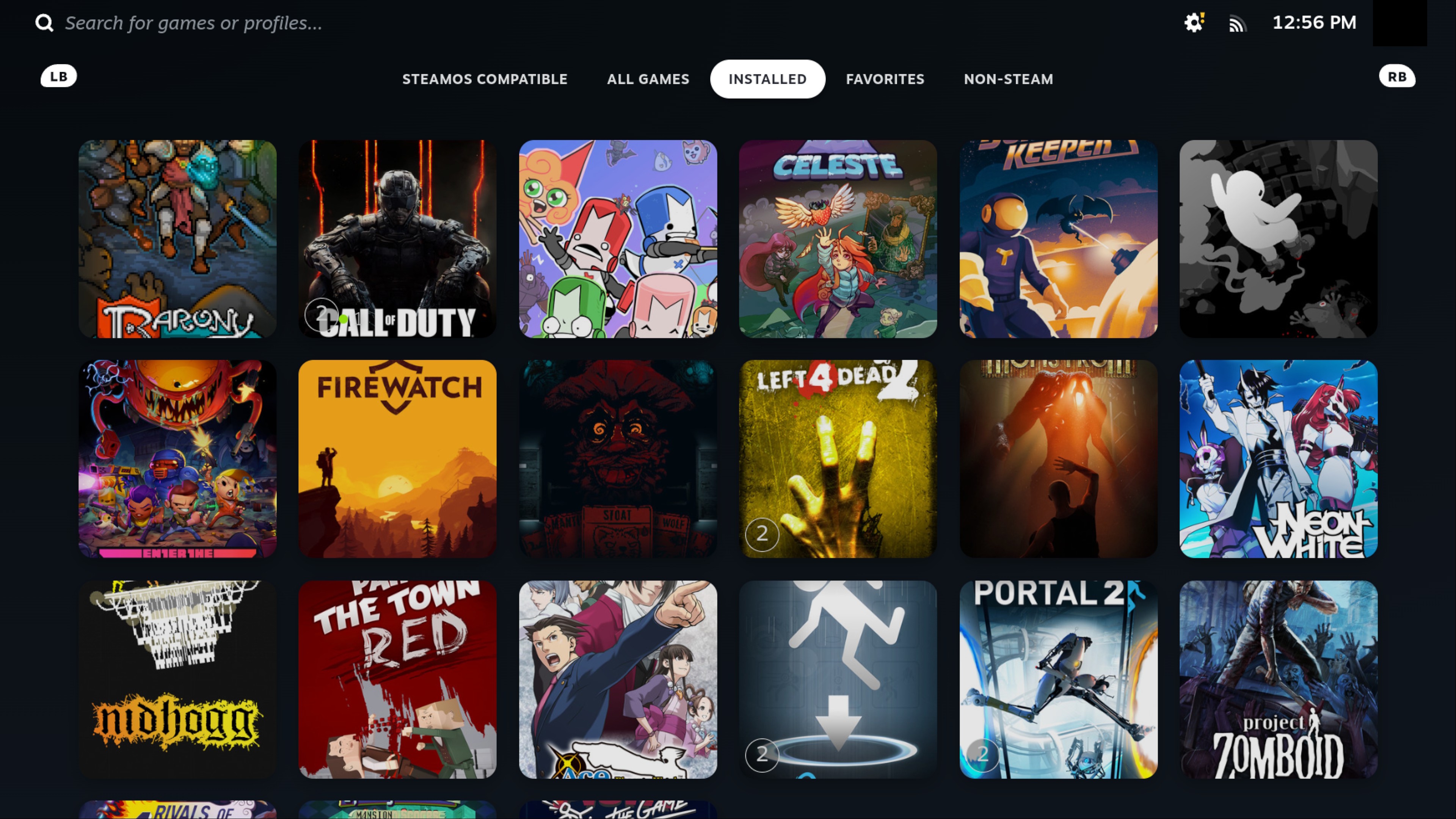
One of the coolest things about Bazzite is that it inherits the Steam Deck’s environment swapping ability. In a click, I can switch from Gaming Mode (the console frontend) to Desktop Mode (a full Linux desktop). This means my “console” is secretly a fully functional PC. I can use it for work, school, or looking up guides on how to complete a game. It’s the ultimate way to justify my purchase. Once the system was stable, I couldn’t just leave it looking “stock.” I wanted that premium, high-end console feel. Enter Decky Loader, a plugin manager that is essentially a tool for people who spend more time customizing their menus than actually playing games. I’ve always been a fan of the PS5’s clean, minimalist UI, so I used Decky to install community-driven themes that mimic that aesthetic. After some tinkering with the front page and library layouts. Next thing you know, I had just what I envisioned: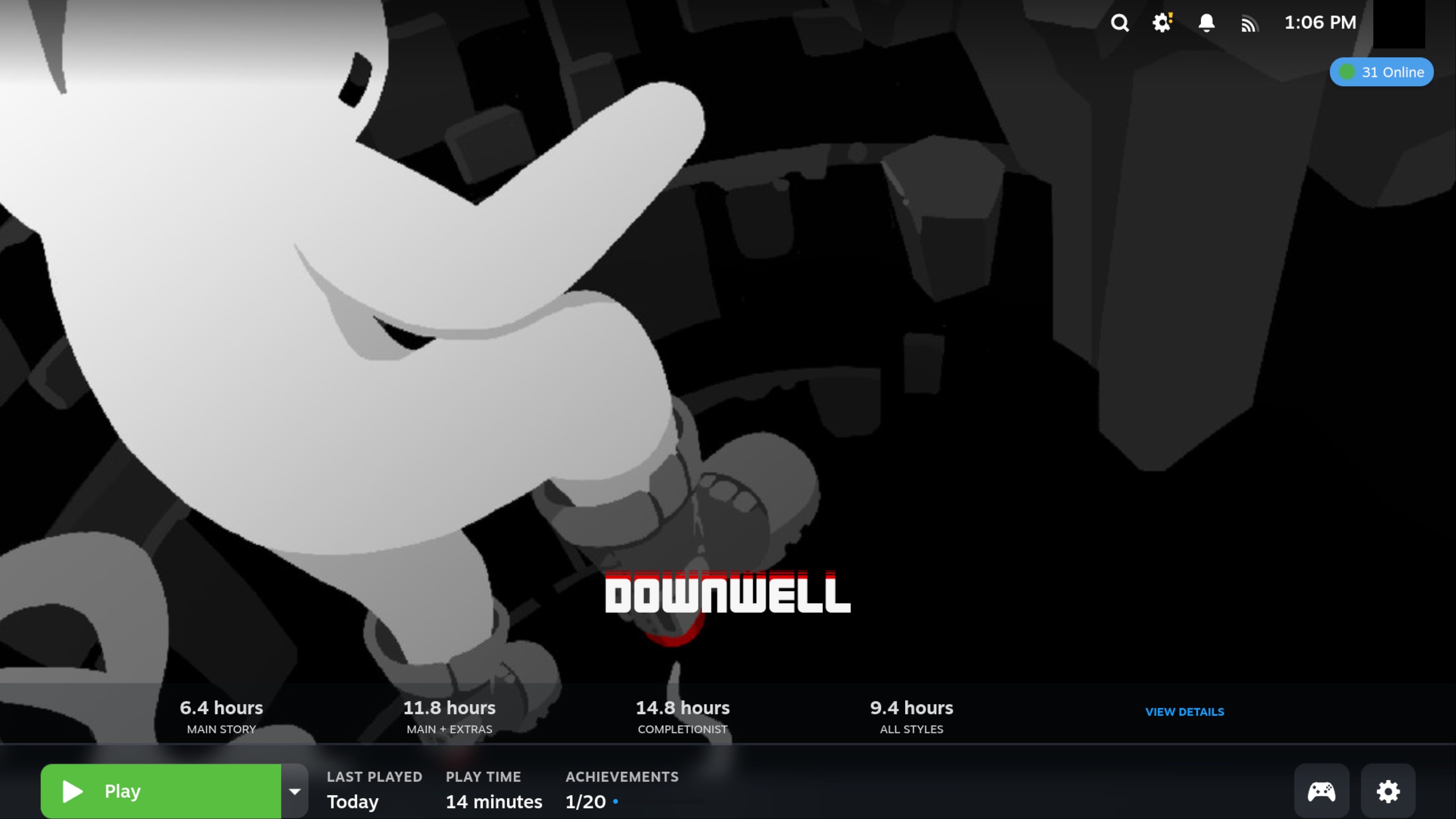
༺∞༻